Timing is one of the most overlooked skills on guitar. You can know every chord shape in a song and still sound amateur if your strumming rushes or drags. A metronome fixes that by giving you a steady reference pulse — and over time, it trains your internal clock so you groove naturally even when the click is off.
ChordForge AI Metronome is a free browser tool with adjustable BPM, a 4/4 click track, and a visual beat indicator. No download required.
What is BPM?
BPM means beats per minute. At 60 BPM you hear one click per second. At 120 BPM you hear two clicks per second. Most pop and rock songs sit between 80 and 140 BPM; ballads are slower, punk and metal can exceed 180.
When you practice, always note the BPM you are using. Progress is measurable: if you could only play a lick cleanly at 70 BPM on Monday and 85 BPM on Friday, you improved.
Why guitarists avoid metronomes (and why they shouldn't)
Many players find metronomes frustrating at first. Common complaints:
- "It makes me stiff" — usually means the tempo is too fast
- "I lose the beat on chord changes" — a sign you need slower practice, not no metronome
- "Real music isn't robotic" — true, but you learn freedom by first mastering the grid
Professional session players practice with clicks constantly. The metronome is not there to make you mechanical forever — it is there to make sloppy timing impossible to ignore.
Using the ChordForge AI Metronome
Open chordforgeai.com/metronome. Allow audio if your browser prompts you.
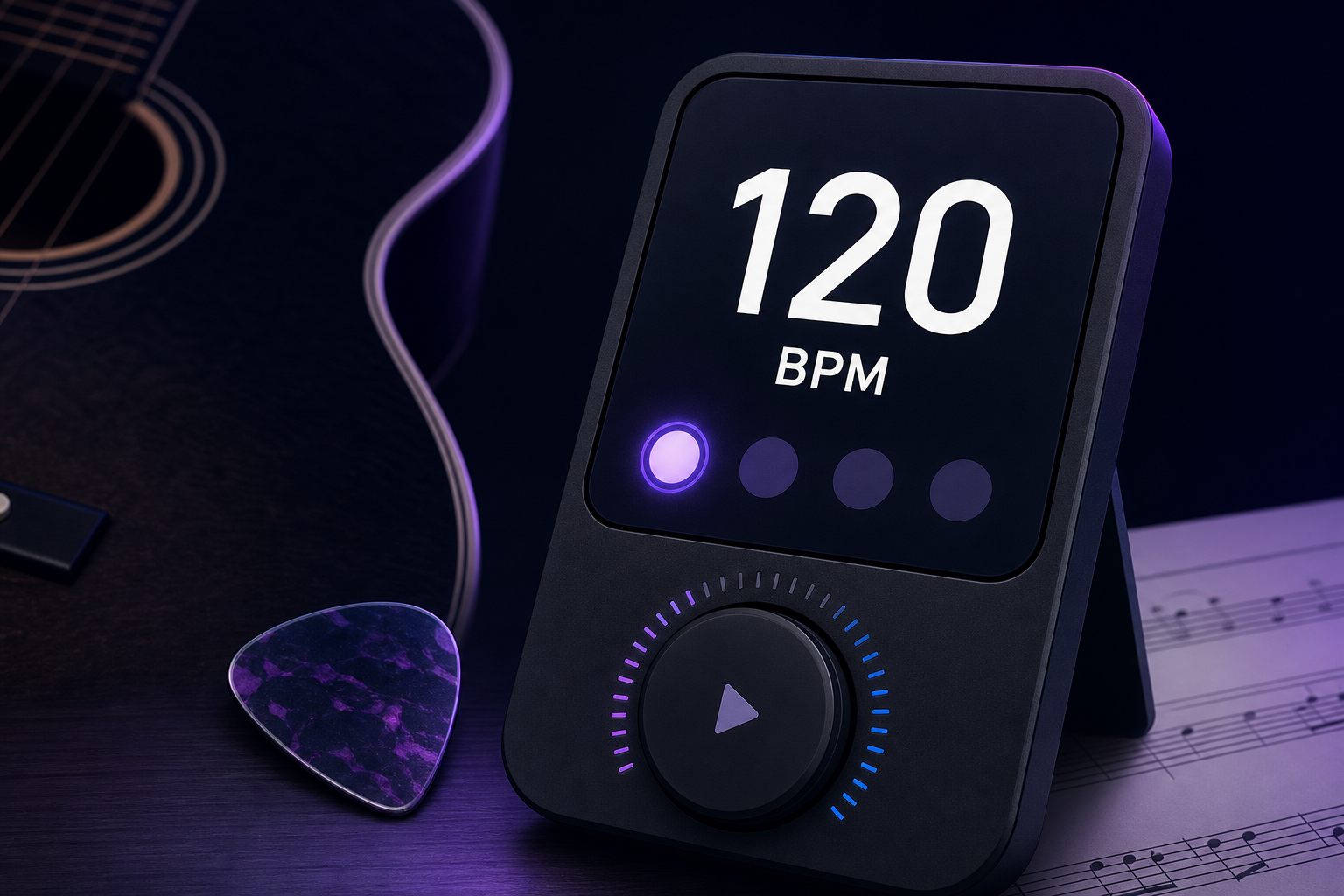
Set BPM with the slider (40–220) or read the large number in the center display. Start around 60–80 for new material.
Press Start Metronome. Watch the four beat dots — the active dot shows which beat of the bar you are on in 4/4 time.
Play one note or strum per click. When that feels easy for 60 seconds straight, increase BPM by 5–10.
Practice routines that work
The 50% rule
Find the fastest tempo where you can play a passage perfectly three times in a row. Then set the metronome to half that speed and rebuild with small increments (+5 BPM). This feels slow but produces permanent gains faster than grinding at your breaking point.
Subdivision training
Instead of one strum per click, play two eighth-notes per click (divide the beat in your head). This builds tighter rhythm for funk, pop, and fast strumming patterns.
Chord change drill
In Chord Studio, pick two chords (e.g. G and C). Set the metronome to 70 BPM. Change chord every four beats. Only raise tempo when finger movement is silent and on time.
Song tempo map
Look up a song's BPM online, set the metronome 10–15 BPM below that, and practice the hardest section looped. Pair with Speed Studio if you need to slow audio passages further.
Reading the beat visualizer
The four dots on the ChordForge metronome represent beats 1, 2, 3, and 4 in a standard bar. Beat 1 is often accented (louder click) — use it to orient chord changes and downstrokes. If you lose sync, stop playing, listen for two bars, then rejoin on beat 1.
When to turn the metronome off
After a focused metronome block, play the same material once without the click. You should feel centered but slightly flexible — that is musical time. If you drift immediately, the tempo was too high during practice.
Also practice with recordings and with other musicians. The metronome is one tool in a complete practice diet.
Common mistakes
- Starting too fast — ego tempo prevents clean muscle memory
- Ignoring beat 1 — always know where the bar begins
- Only practicing fast parts fast — slow practice is where accuracy is built
- Inconsistent sessions — three short metronome days beat one long random jam
Timing is a skill you can train like chords or scales. Open the free metronome, pick one exercise, and add five minutes to your next session.
Open Metronome