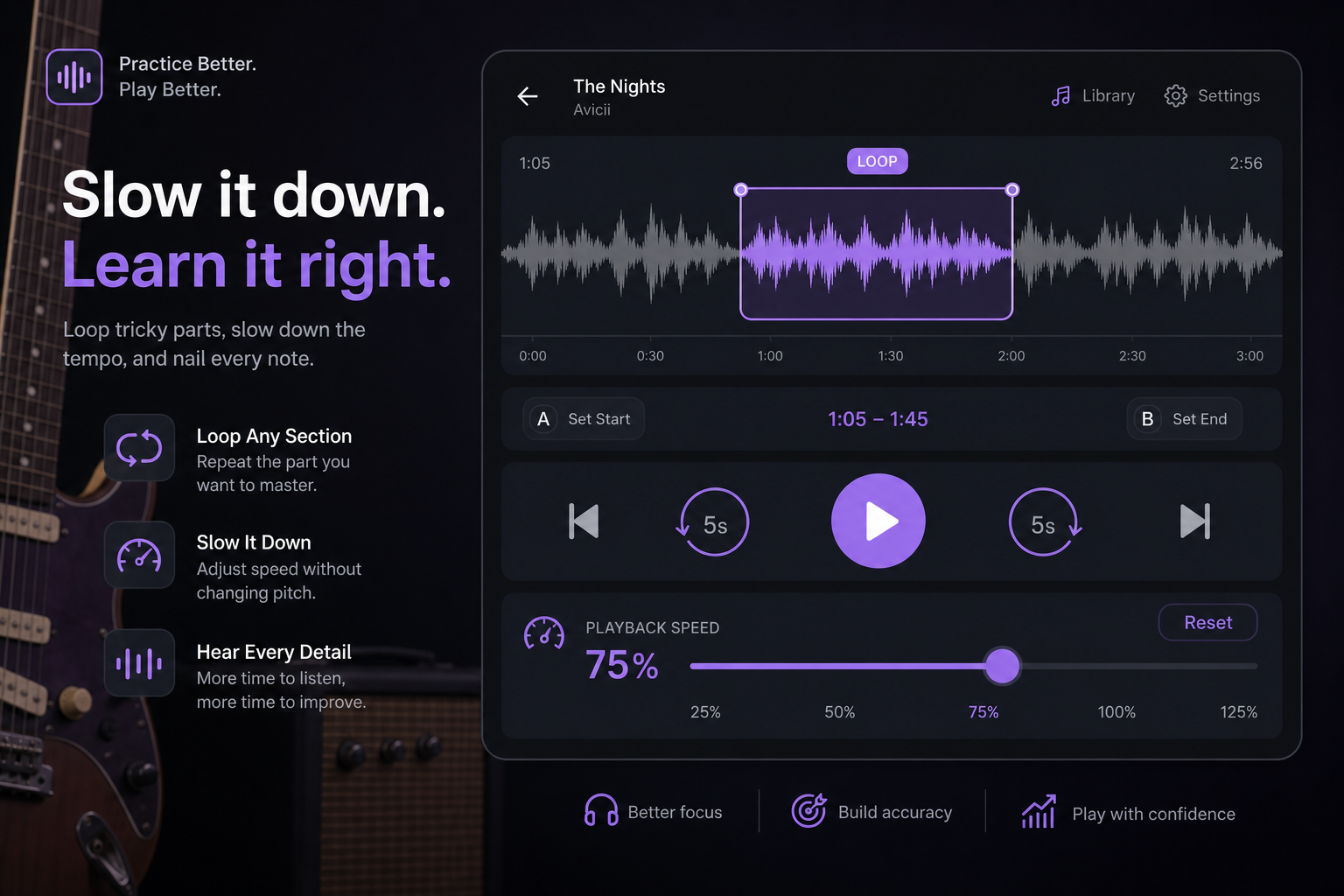
Most guitarists practice too fast and wonder why the solo still falls apart. ChordForge AI Speed Studio fixes that by letting you reduce playback speed without changing pitch, loop specific sections, and climb back to full tempo in controlled steps — the same method transcriptionists and session players use.
Speed Studio is free and runs in your browser alongside the tuner, metronome, and Chord Studio.
When to use Speed Studio
- Learning a fast riff note-for-note
- Transcribing chords or melodies by ear
- Practicing chord changes that fail only at full tempo
- Breaking down fingerstyle patterns one bar at a time
If you can play something cleanly at 60% speed but it collapses at 100%, Speed Studio is the right tool — not more random reps at full speed.
Getting started
Open chordforgeai.com/speed in Chrome, Edge, or Firefox.
Load your audio file (MP3, WAV, or similar) or paste a supported source depending on the current Speed Studio interface.
Set playback to 75% or 50% — slow enough to hear every note, fast enough to feel the groove.
Mark loop points around the hardest 2–4 bars. Repeat until your hands stop guessing.
Increase speed by 5–10% per successful run. Stop when accuracy drops — that is your ceiling for the day.
Pair Speed Studio with Chord Studio
Workflow for learning a song:
- Use Speed Studio to hear the progression at half speed
- Identify root movement and chord qualities by ear
- Build or generate the same progression in Chord Studio (Pro AI can help if you know the title)
- Practice chord grips with the metronome at slow BPM
- Return to Speed Studio and play along at increasing speeds
This separates hearing from fingering — two skills beginners often try to merge too early.
Loop discipline
The biggest mistake is looping an entire song. Loop one problem only:
- One chord change
- One lick ending on beat 4
- One bar of syncopated strumming
Smaller loops mean faster improvement. Two focused minutes beat twenty minutes of vague play-along.
Speed vs. metronome
They solve different problems:
- Metronome — trains your internal pulse when you provide the notes
- Speed Studio — lets you study how someone else phrases time at a manageable rate
Use both in the same session: Speed Studio to learn the part, metronome to own it without the recording.
Sample weekly plan
- Mon/Wed/Fri: Speed Studio loops on target passage (15 min)
- Tue/Thu: Chord Studio + metronome on same song harmony (15 min)
- Sat: Full-speed play-through test
- Sun: Rest or light ear training only
Start your next slow-practice session in Speed Studio, then map the chords in Chord Studio.
Open Speed Studio